Skip to content
EduNotes
Get Early Access
Coming soon to Apple platforms

The canvas for clear explanations and presentations is almost here.

EduNotes is the upcoming native workspace for teachers, trainers, speakers, and students. Annotate PDFs naturally with Apple Pencil and present pure, borderless content to any screen.

No spam. Only private beta invites and launch updates. We'll email you a link to confirm. Privacy

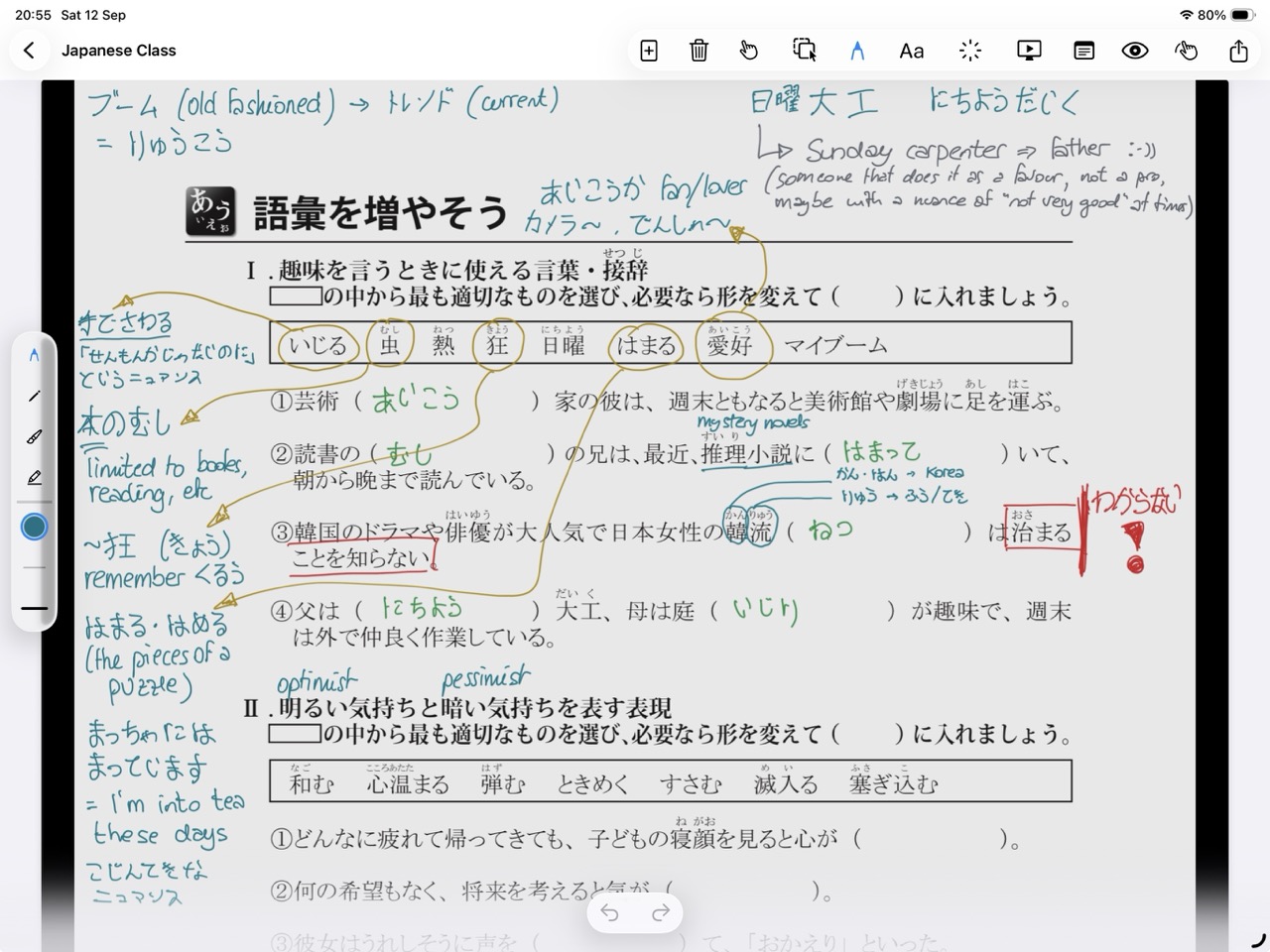
EduNotes on iPad: a Japanese class worksheet annotated with colour-coded handwritten vocabulary notes in the margins.
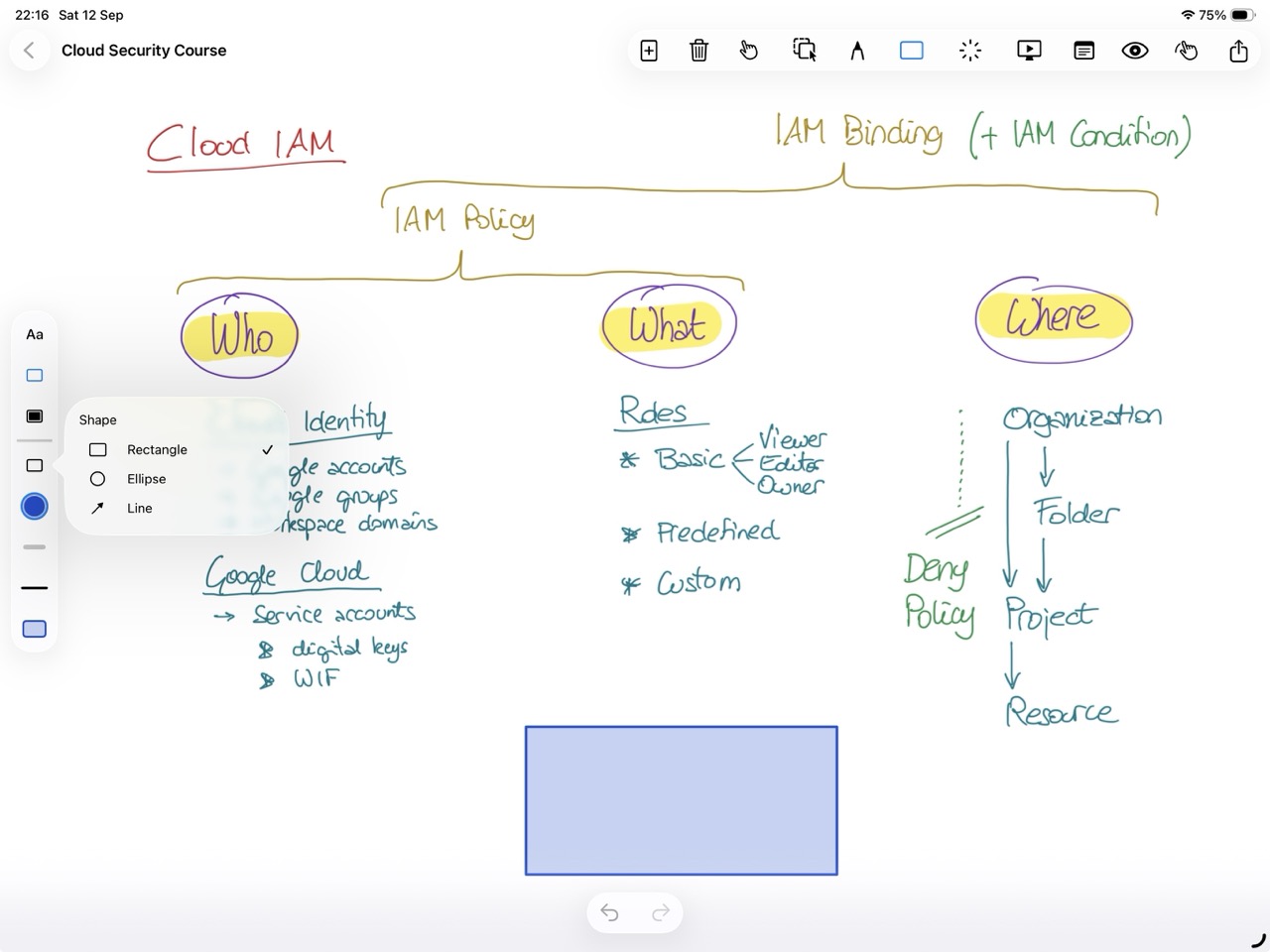
EduNotes on iPad: a hand-drawn Cloud IAM diagram for a cloud security course, with the shape tool popover open.
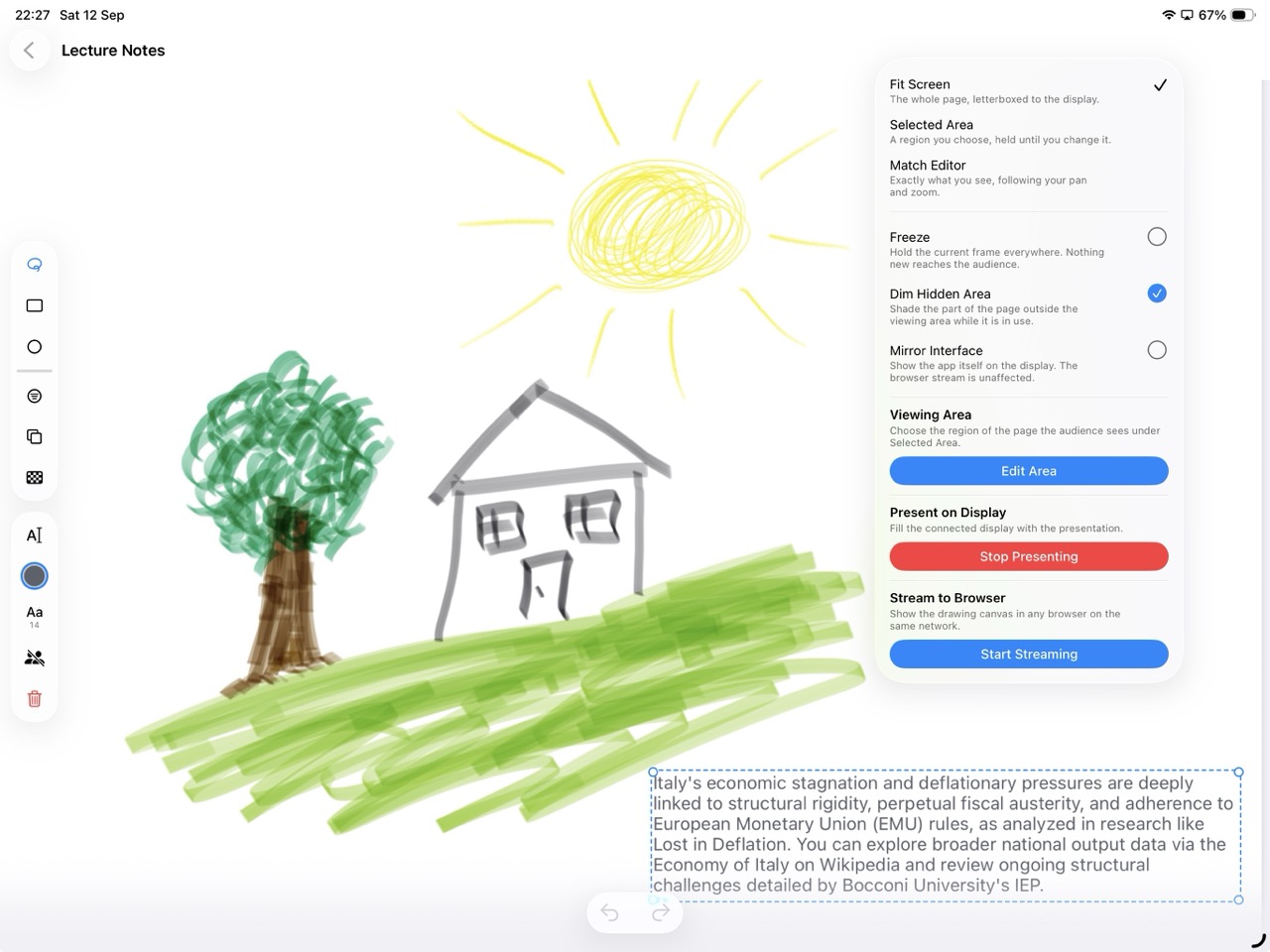
EduNotes on iPad: lecture notes beside the presentation panel, showing Present on Display and Stream to Browser.

Purpose-built for presenting & thinking

Stop fighting static decks and cluttered screen shares.

Traditional presentation tools force you into rigid slides, while generic PDF readers clutter your audience's view with toolbars and menus. EduNotes bridges the gap with a clean, dual-display engine designed around how you actually explain ideas.

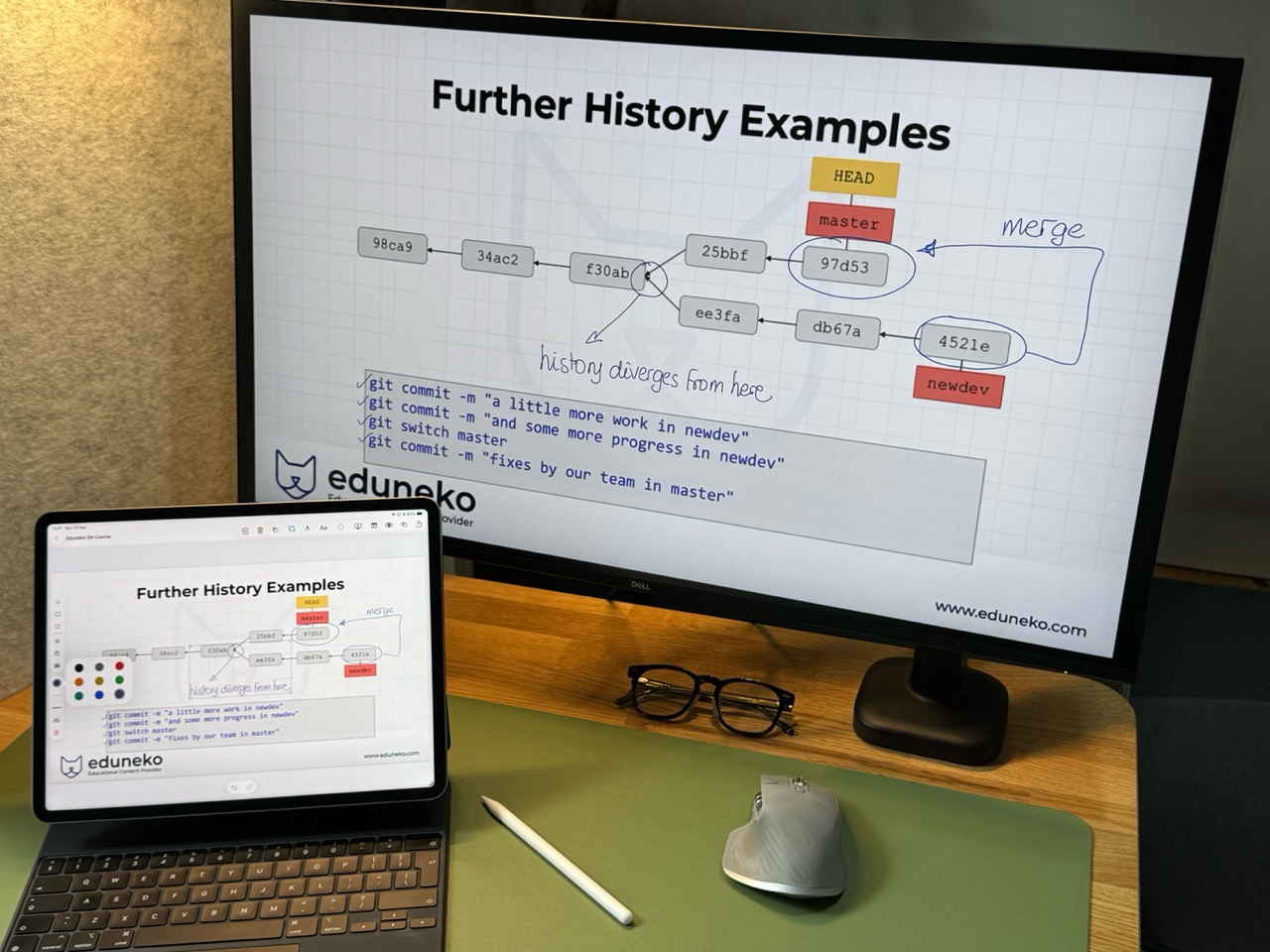
An iPad running EduNotes on a desk, its toolbars and colour palette in view, while the monitor behind shows the same Git course slide full-screen with no interface around it.

Designed for anyone who explains complex ideas.

Teachers

Teach from the page.

Turn lesson plans into living whiteboards. Write over diagrams and keep your private teaching notes visible only to you.
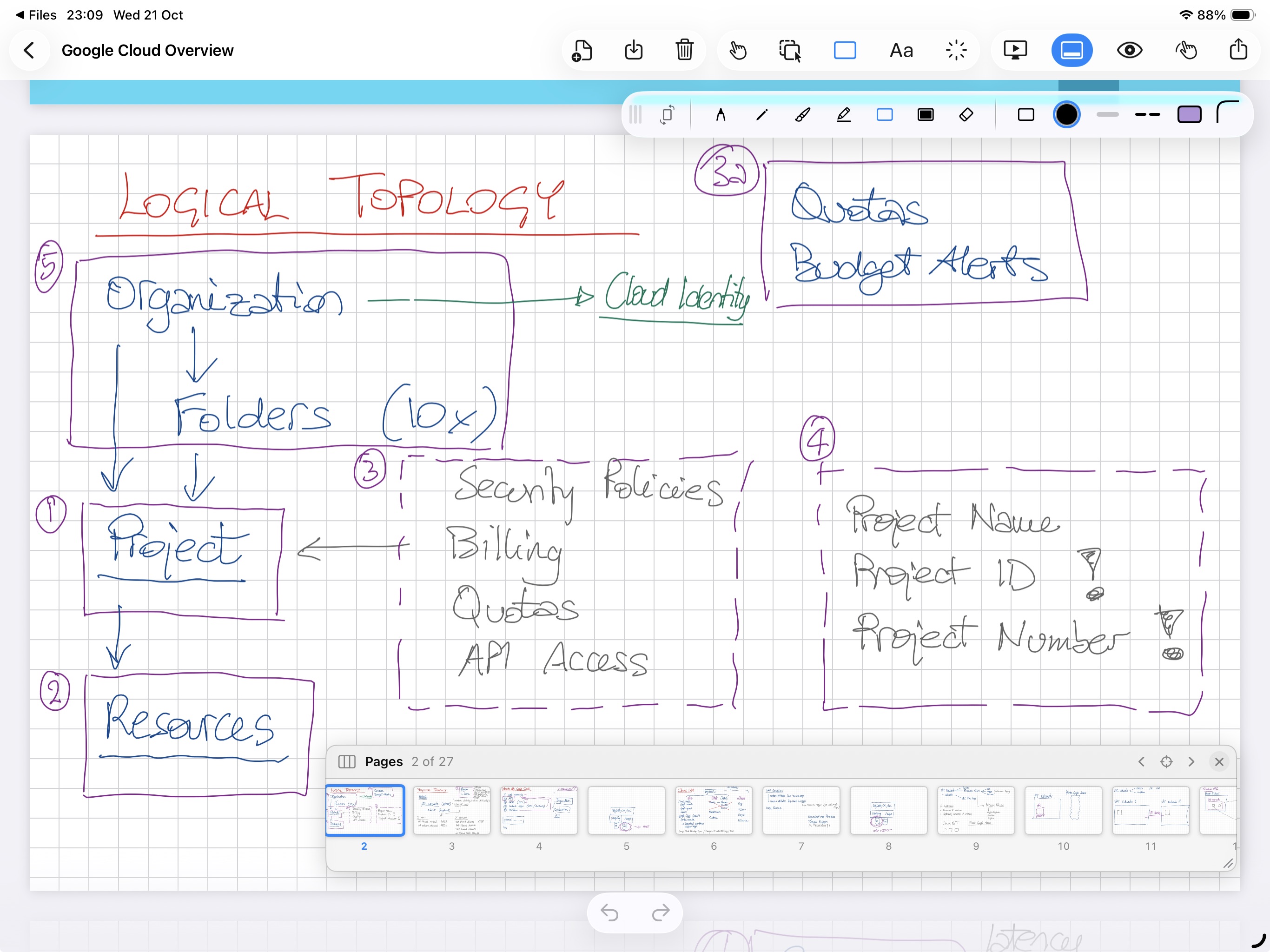
EduNotes on iPad showing a hand-drawn Logical Topology diagram from a Google Cloud Overview lesson, with numbered boxes linking Organization, Folders, Project and Resources in coloured ink on a grid page, the pen toolbar open and a page strip showing page 2 of 27.

Trainers

Adapt in real time.

Break away from rigid training decks to answer unexpected trainee questions visually directly on your courseware.
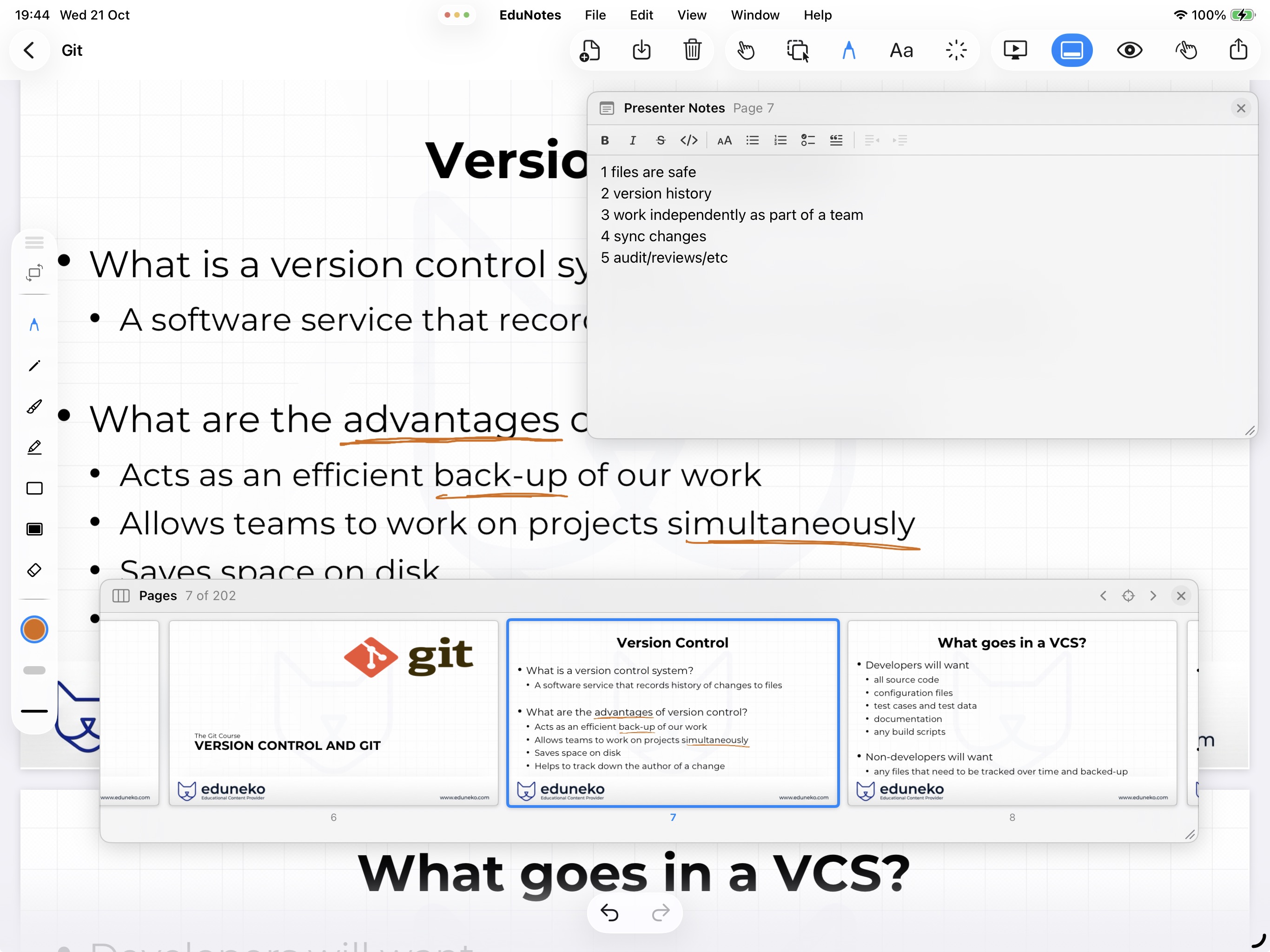
EduNotes on iPad showing a Version Control slide from a Git course, with key words underlined in orange ink, the Presenter Notes panel open beside the slide, and a page strip showing slide 7 of 202.

Speakers

Stage-ready precision.

Present clean visual feeds to the venue screen while your navigation, toolbars, and cues remain private on your iPad.
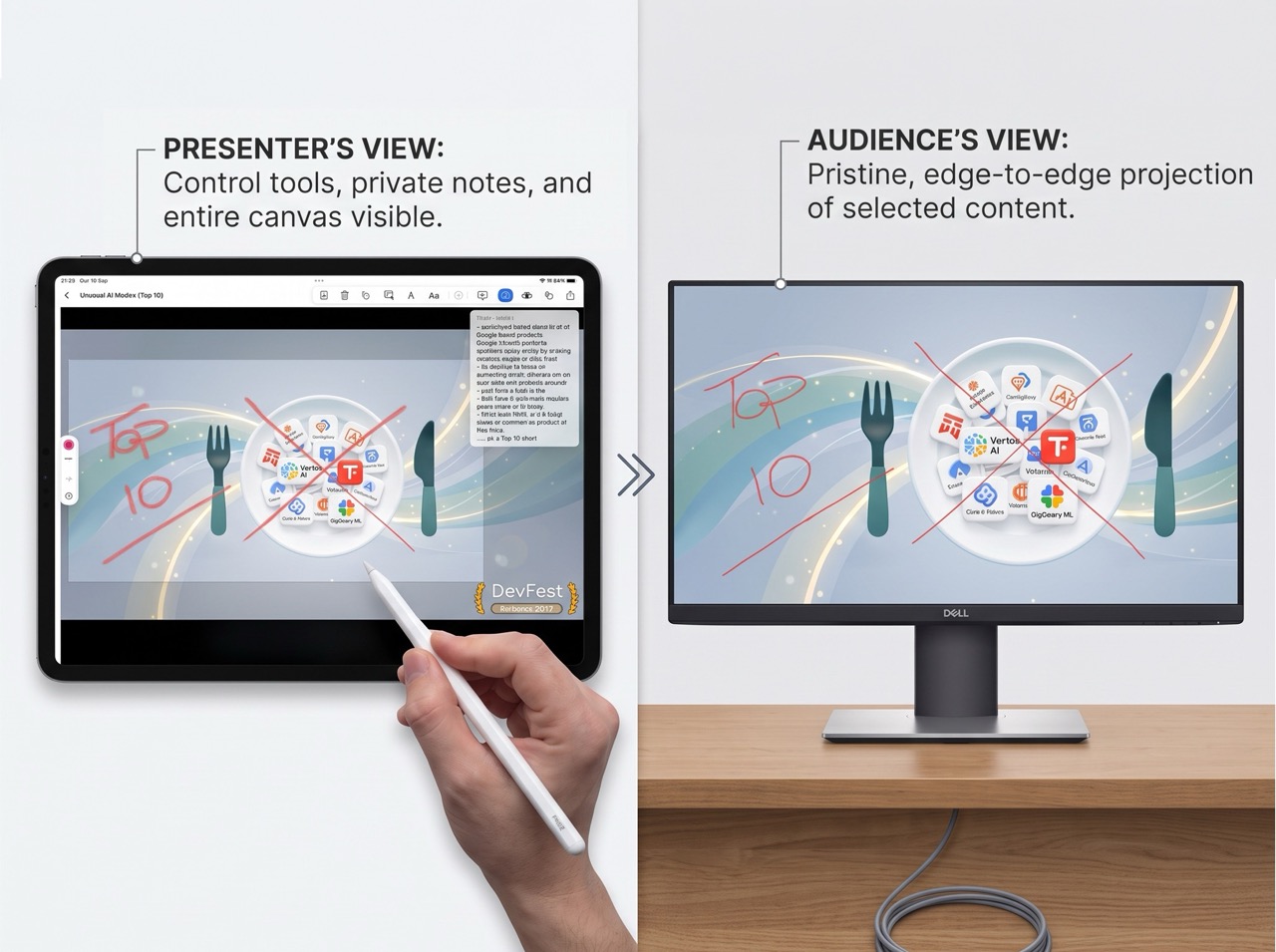
Side by side comparison labelled Presenter's View and Audience's View: an iPad held with Apple Pencil showing toolbars and a private notes panel over a DevFest talk slide, next to an external monitor showing the same slide edge to edge with no interface.

Students

Think in the margins.

Solve problem sets, mark up lecture notes, and present your findings cleanly during group work.
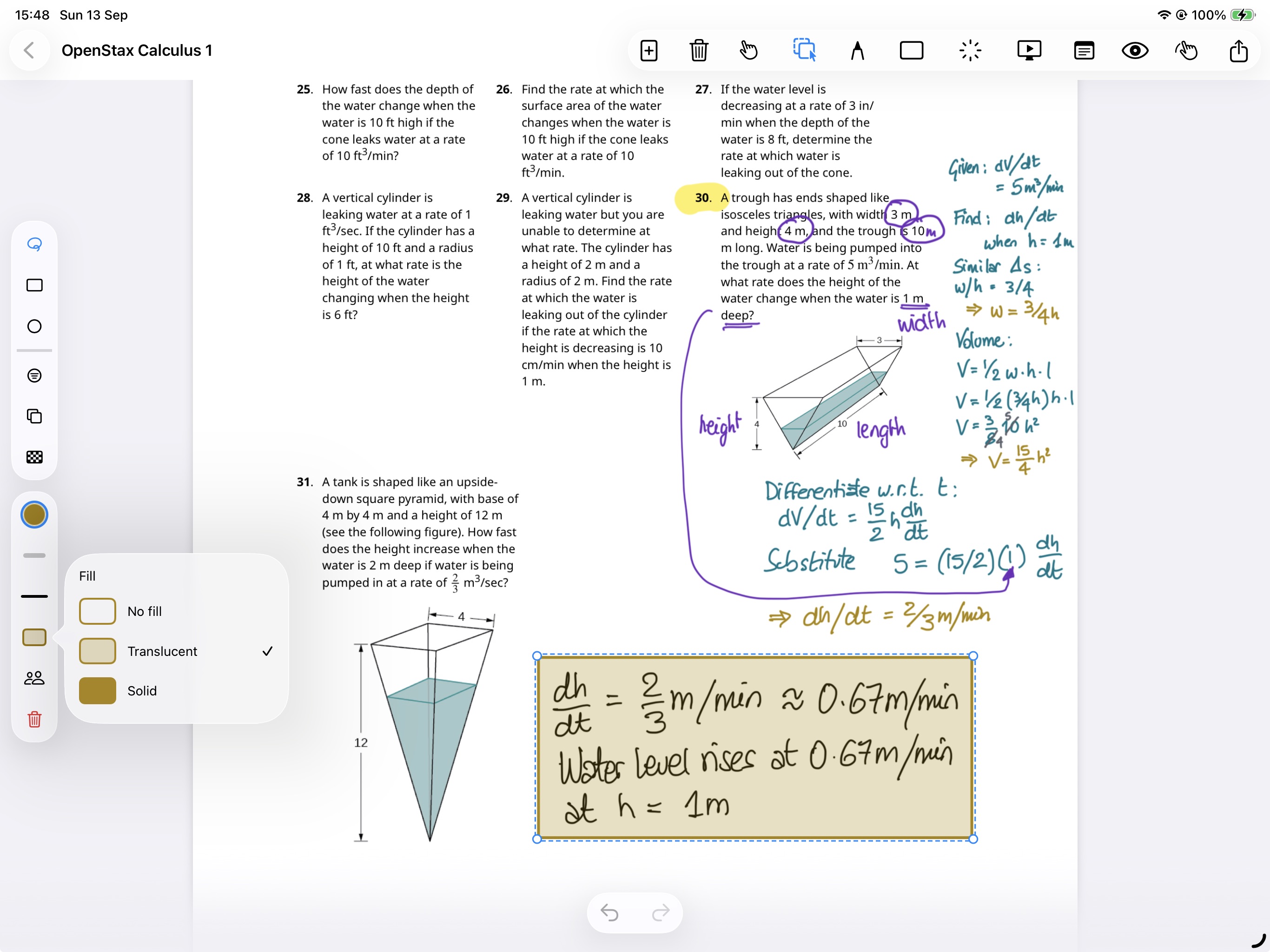
EduNotes showing an OpenStax Calculus problem set, with a related-rates problem worked out by hand in the margin and the answer boxed in a note.

External Display Output

True zero-chrome stage feed — to a connected display, or cast straight to any browser.

Close-up of an Apple Pencil drawing a crisp blue ink trace across a circuit schematic on an iPad, carrying the line out of a NAND gate through resistors R14 and R17 to a node labelled SIG_OUT.

Sub-Millisecond Latency

Apple Pencil vector ink engine.

100% Local & Private

Device-first document ownership.